An inbox, in order.
A blazing fast, keyboard-first iMessage client for Mac.

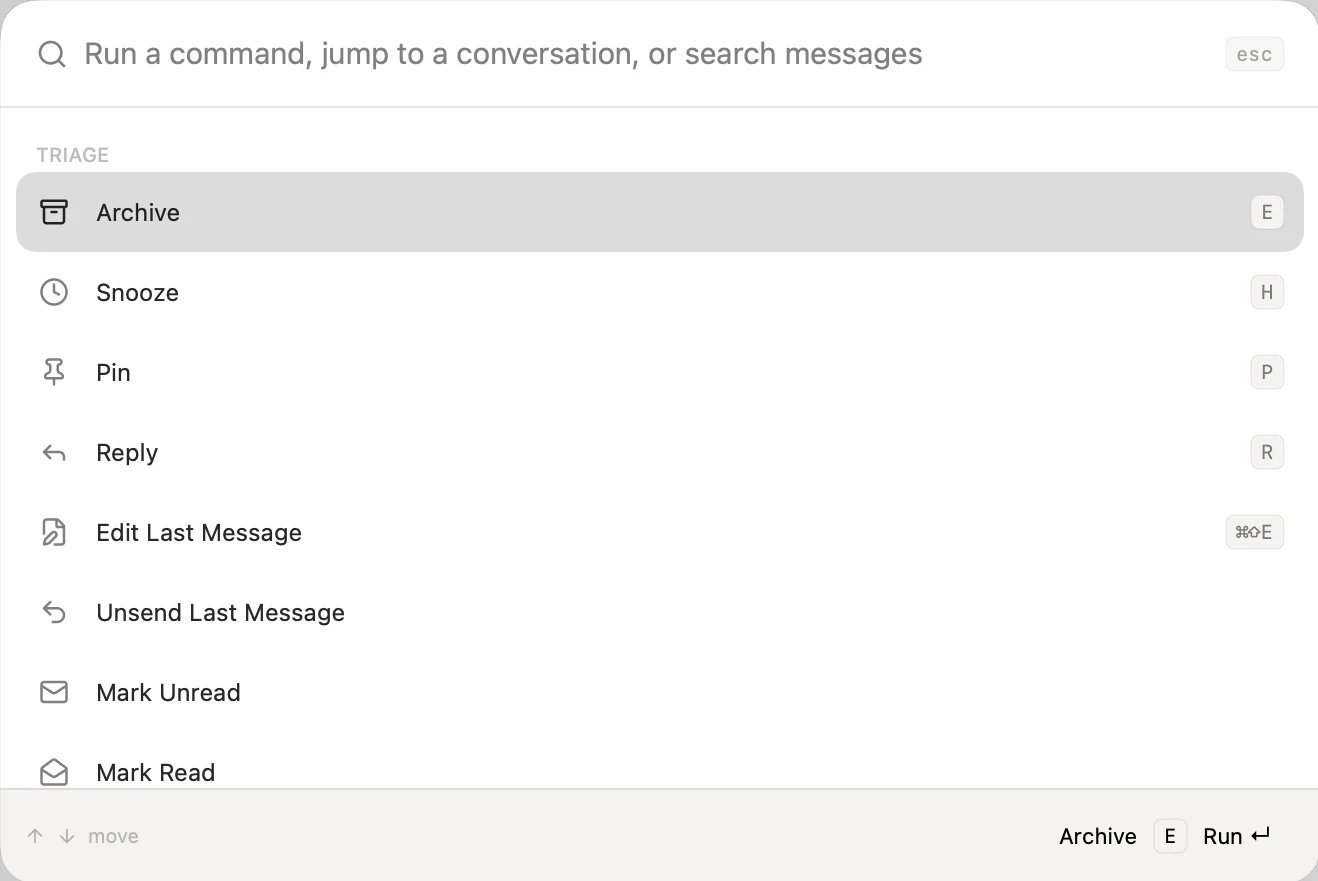
Work through it.
From the keyboard.
E archives. H snoozes. P pins. Z undoes. J and K move between conversations. Press ? for the full set.
Your Messages history is there on first launch. Search it, reply to a message, or start a conversation.

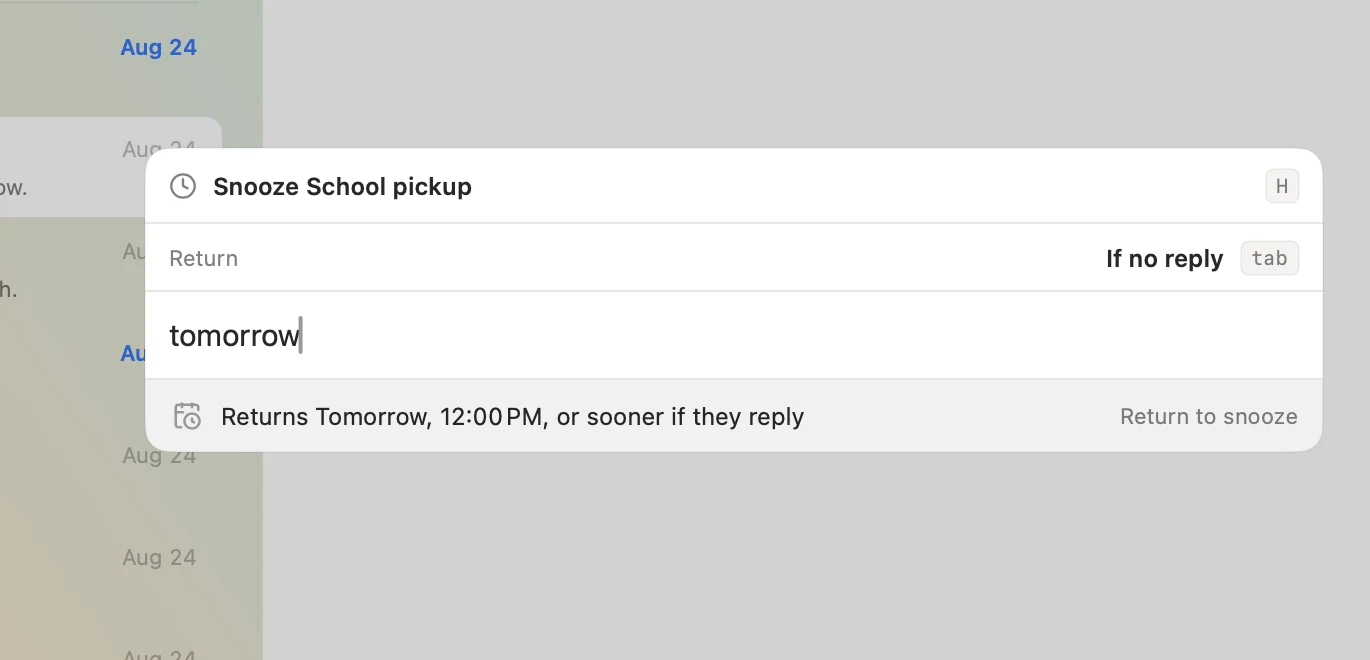
Put it in its place.
Archive conversations you’re done with. Snooze one until you can answer. Pin the people you want to keep close. Make lists of your own.
Bartleby opens the Messages database read-only. Archive, pins, snoozes, and drafts live in Bartleby’s own store. No Bartleby server sees your conversations.

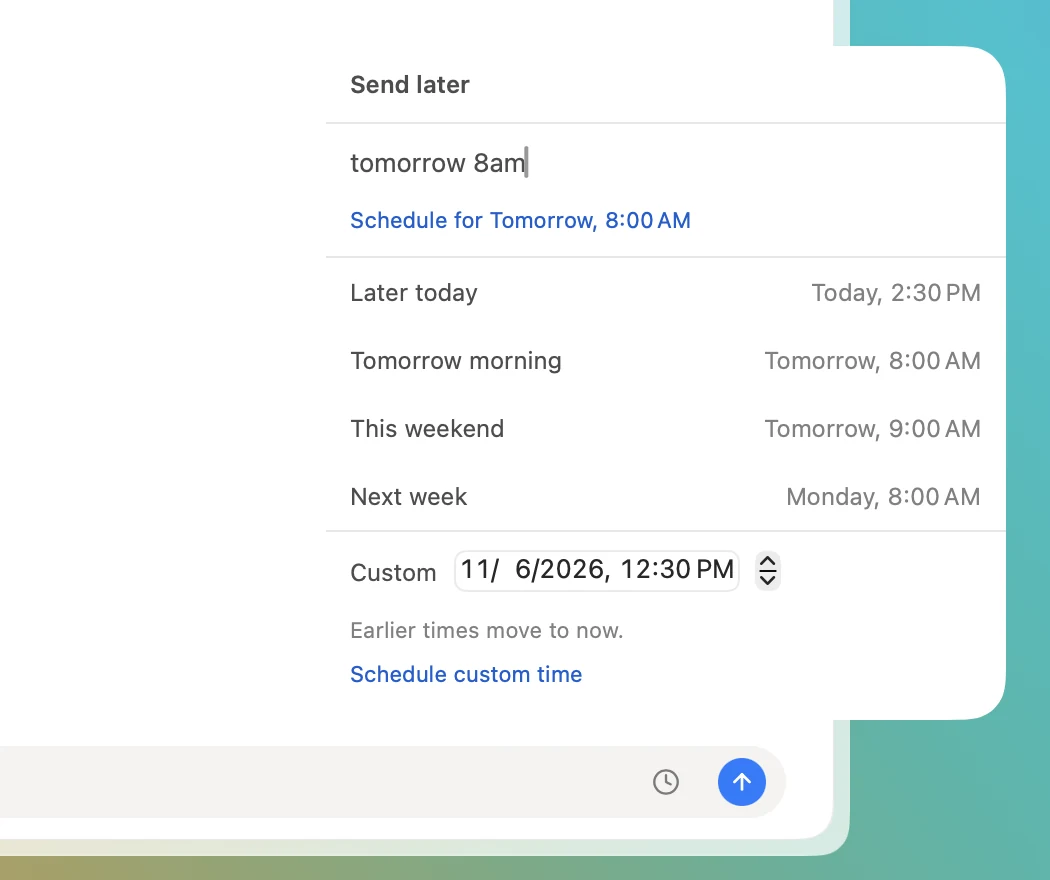
Send it later.
Pick it up elsewhere.
Choose a time with ⌘⇧L, then press Return to schedule. Keep Bartleby running on the Mac where you scheduled it so it can send.
Turn on Settings → Sync on your Macs, signed into the same iCloud account. Read state, archive, snoozes, pins, lists, draft text, and settings sync. Draft attachments do not.

Who’s waiting on you.
Replies you owe. People you’ve lost touch with. Things you said you’d do. Bartleby uses on-device AI to help you effortlessly stay on top of your messages and obligations.